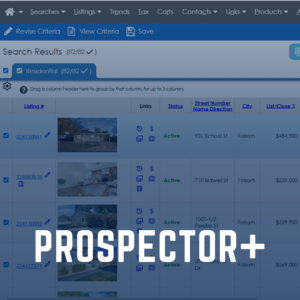
From the MLS Dashboard, locate the MLS Essentials module, then click Prospector+.
Update Agent Profile
Your agent branding represents you and your business. Put your best foot forward by updating it now!
Review MLS Rules and Compliance
MLS Rules are the cornerstone to how MetroList Participants and Subscribers interact with the real estate data that allows the Prospector+ MLS System to operate equitably and with the highest level of data integrity.
Supra iBox BT LE Low-energy Bluetooth® technology takes the Supra system experience to a whole new level with real-time communication between the lockbox, mobile phone and the Supra system to keep information flowing between everyone involved in the sales transaction.
MetroList provides many helpful products to assist you in your business. Here are just a few of the most requested offerings, but make sure to visit our Products page to learn more about each product.
Powered by Rapattoni, Prospector+ is one of the most advanced Multiple Listing Service technologies delivering powerful features and benefits to MetroList users. Every day, tens of thousands of real estate professionals and hundreds of thousands of consumers depend on Prospector+ to help LIST and SELL more properties, which is why MetroList and Rapattoni spend countless hours to ensure Prospector+ has the most up-to-date tools, features, resources and detailed reports.
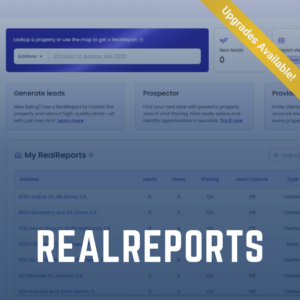
RealReports is an AI-powered property reporting tool for real estate professionals and clients, nationwide! Touted as the “Carfax for homes,” RealReports uses 70+ reputable data sources to tell a home’s full story, including zoning, property history, rental potential, climate risk, valuation and more. In addition to providing an interactive and easy to navigate property report, you and your clients will also gain access to “Aiden,” an AI property advisor that can answer your property related questions instantly. Build trust with your clients and become the property expert, with RealReports!
UPGRADES AVAILABLE
CubiCasa
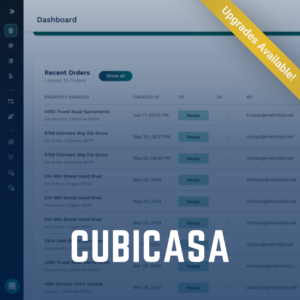
CubiCasa is a mobile app that creates professional floor plans in minutes by simply scanning the home with your mobile device. CubiCasa uses advanced technology to measure rooms, identify the layout, and quickly generate 2D floorplans. In five minutes, you can create a polished floorplan that will elevate the quality of your listing!
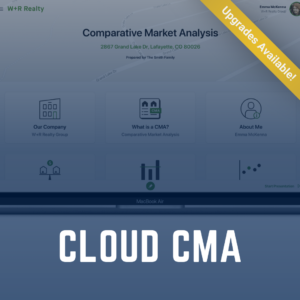
Cloud CMA can assist you in creating fast, data-rich CMAs, Property Reports, Flyers and more. Cloud CMA reports are customizable, branded, professional and easy to share. Working together with Prospector+, Cloud CMA will help you find and present comparable properties, advertise your business and generate leads.
MetroList.com provides a full marketing platform tailored for real estate brokers, agents, and teams! As a Subscriber, you receive a complimentary, fully branded agent website designed to elevate your online presence. Your site expands your visibility across 29 Northern California counties and features built-in lead capture to help you connect with more prospective clients.